 Features
Schedule with availability in mind
Your team sets their availability from the Shiftly app. You see it on your roster in real time. No more back-and-forth texts, no more scheduling conflicts. Just the right people, at the right times.
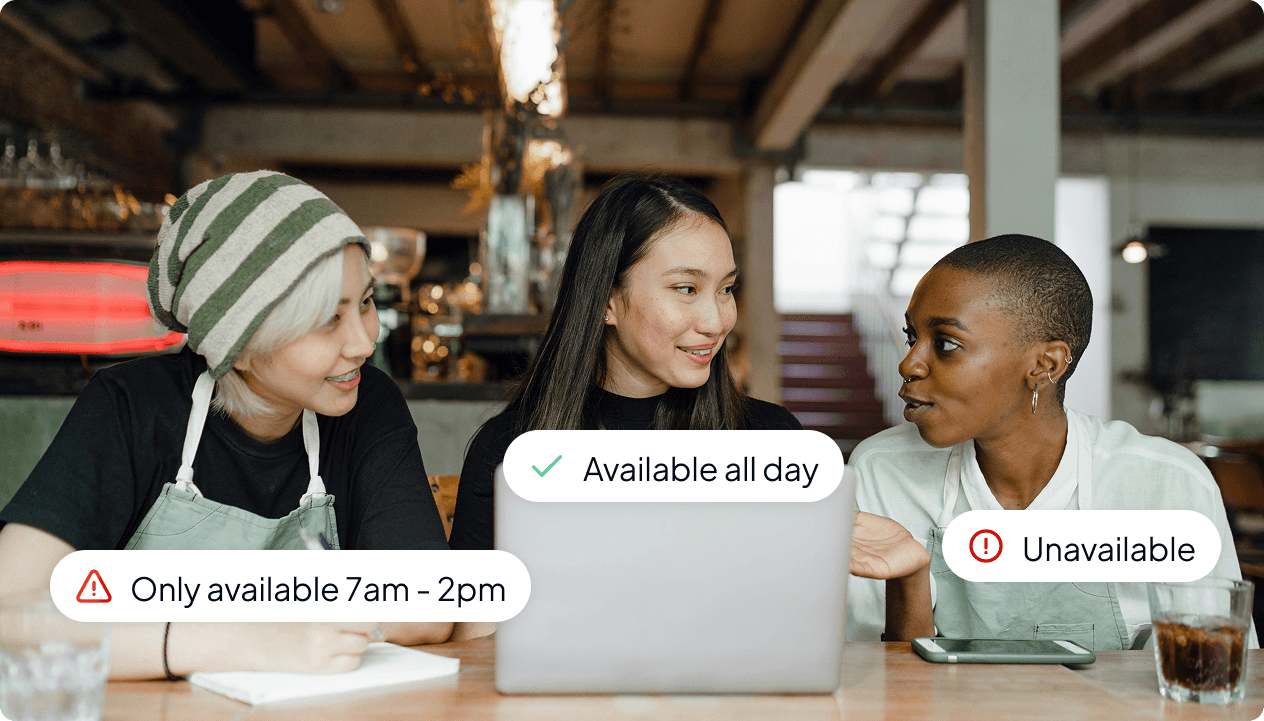
Employee autonomy
Staff set their own availability directly from the Shiftly mobile app. So whether they're studying, travelling, or picking up extra hours, you don't have to deal with paperwork, or phone calls.
Synced to your roster
Availability updates appear on your scheduling dashboard in real time. Toggle the availability view on or off, and see exactly who's free at a glance.
Built-in conflict warnings
Shiftly flags availability conflicts the moment you schedule a shift. You'll always know before publishing if someone isn't available, so there are no surprises.
Autonomy through the mobile app
Let your team manage their own availability
Employees can update their availability directly from the Shiftly mobile app. For each day of the week, they can mark themselves as available or unavailable, set specific time windows, or flag themselves as free all day. Whether they're balancing uni, family commitments, or picking up extra hours elsewhere, their preferences are always up to date and ready for you to see.
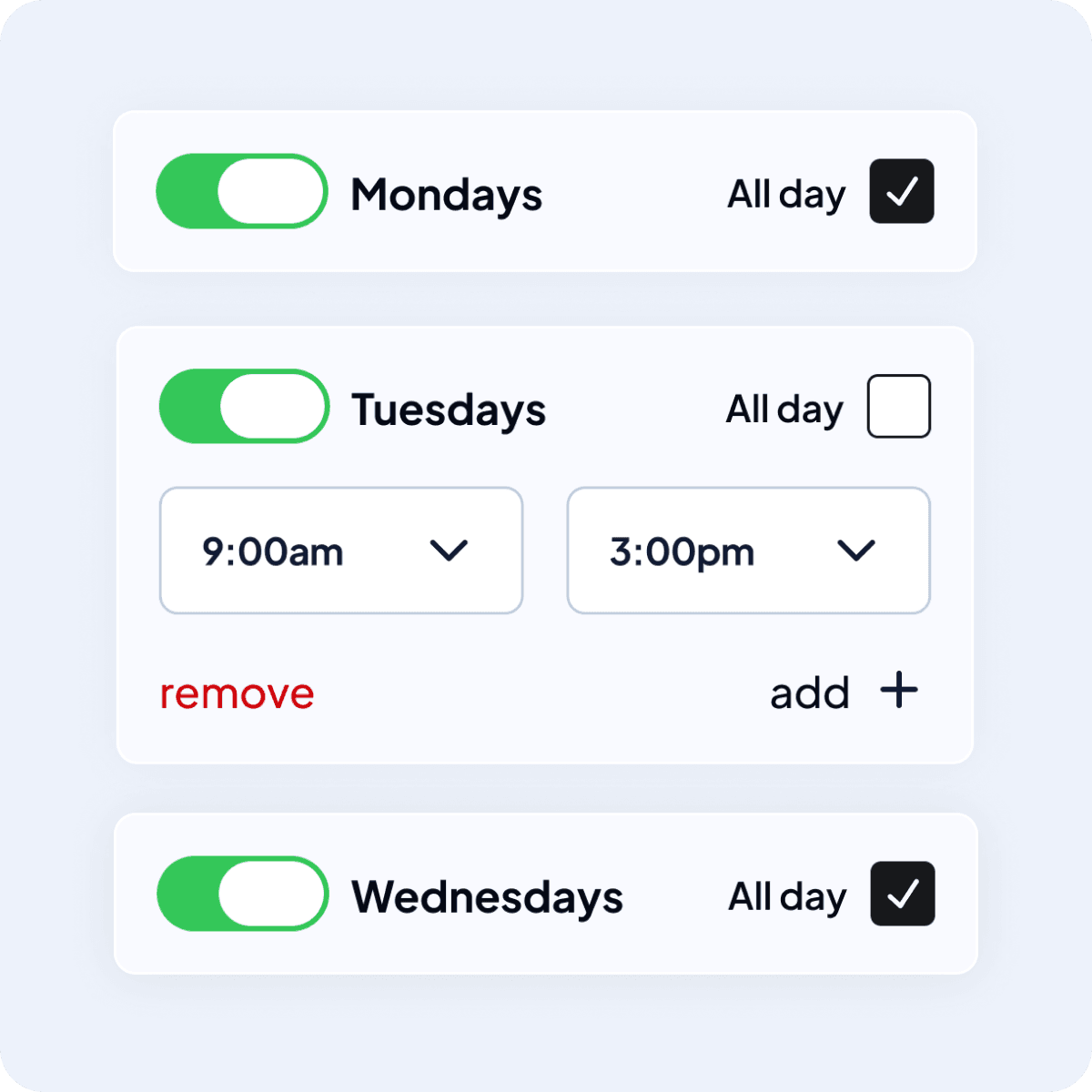
Roster view
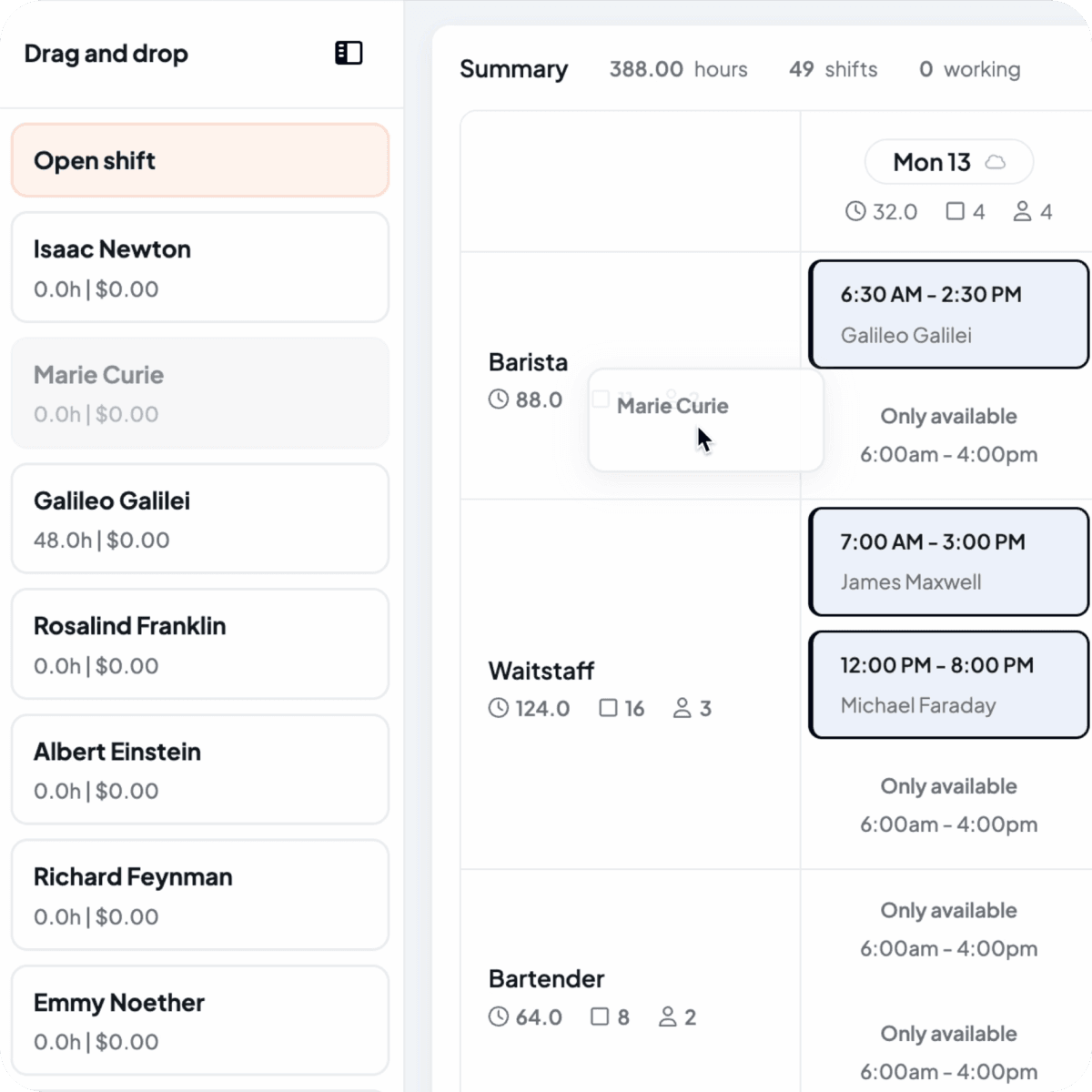
See availability right on your roster
When building your roster, toggle on the availability view and each employee's status appears directly in the scheduling grid. At a glance, you can see who's available all day, who has limited hours, and who's unavailable, without leaving your view.
- Availability overlays on the scheduling grid
- See time windows and unavailable markers
- Toggle availability view on or off
Conflict detection
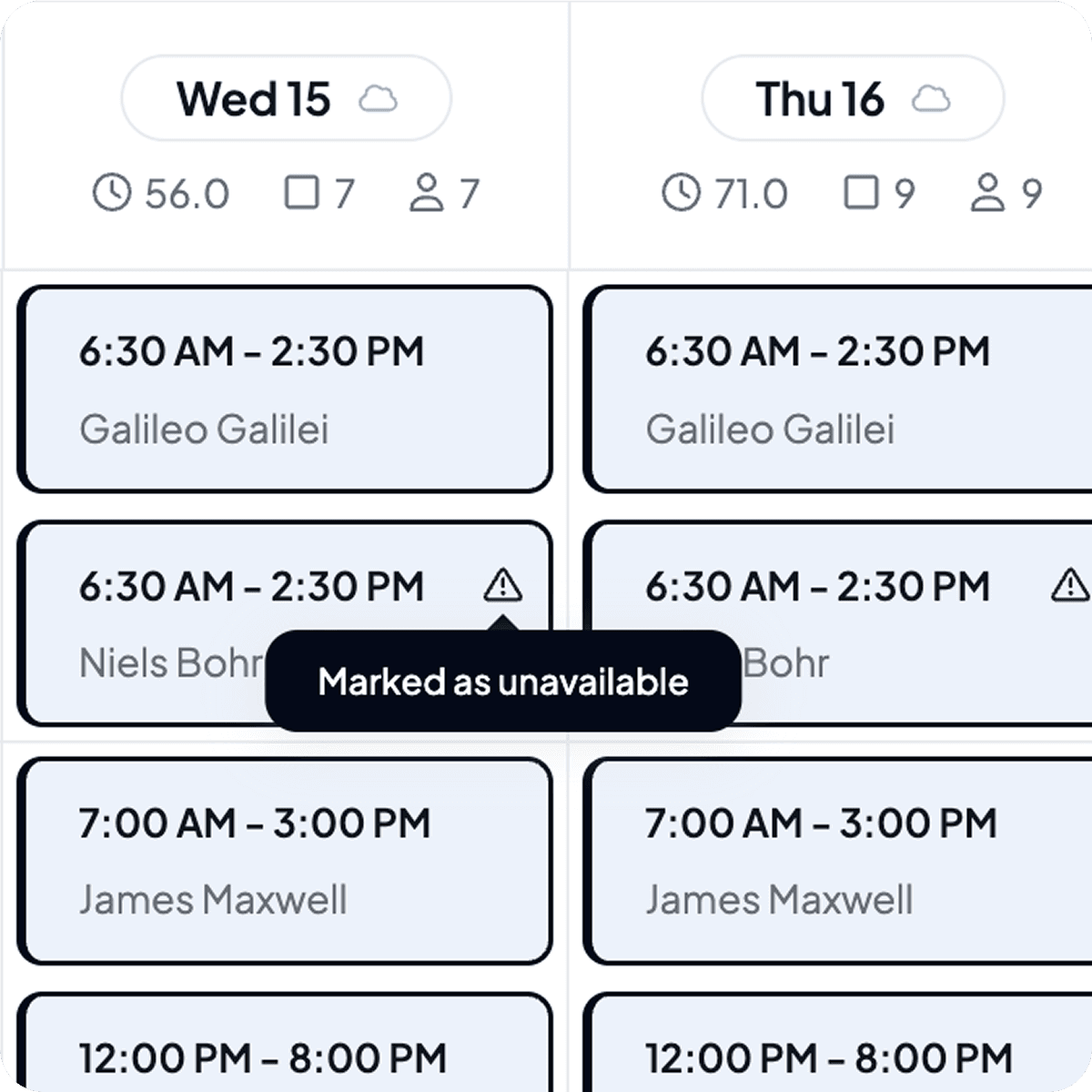
Warnings that keep your roster on track
Drag a shift onto someone who's unavailable? Shiftly will let you know immediately. You'll see a clear warning showing when they are available, so you can make an informed decision: reassign the shift or proceed with the override. If an employee already has a shift at that time, the slot is blocked entirely, preventing accidental double-bookings before they happen.
- Availability conflict warnings on drag-and-drop
- Overlap detection blocks double-bookings
- Overrides available when you need flexibility
Managing team profiles
Edit availability from your team's profiles
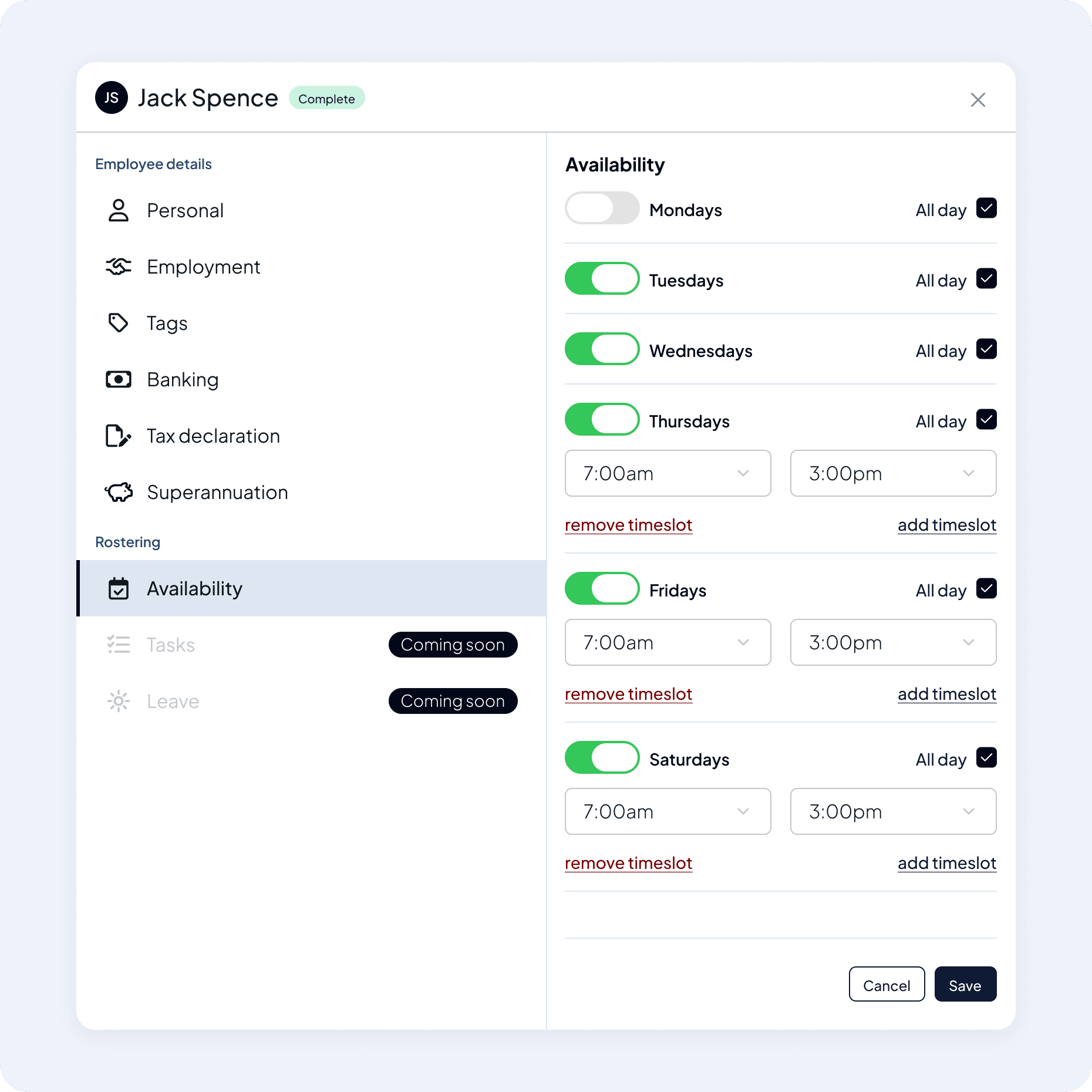
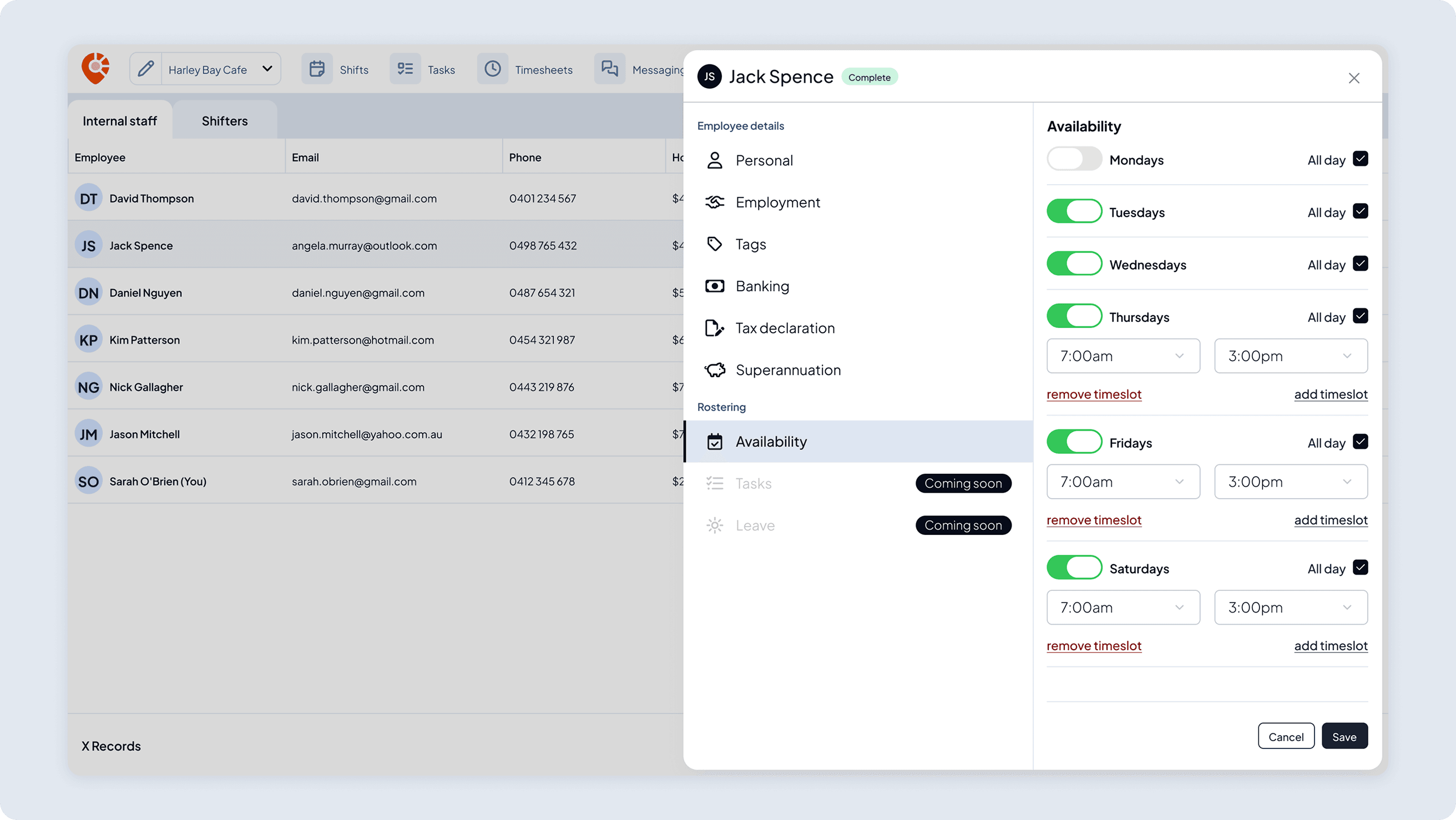
Need to update an employee's availability on their behalf? Managers can view and edit availability directly from the employee profile in the team dashboard. Same interface, same flexibility and perfect for onboarding new team members.
 Leave management
Leave requests, in the same app
Your team requests annual, personal and carer's leave straight from the Shiftly app, and you approve or decline from your dashboard. Approved leave lands on the roster next to availability, so you never schedule someone who's already off.
Join us and start scheduling smarter right away
Create your account in minutes, invite your team, and let them set their availability from day one.
 Features
Explore more of Shiftly

Employee rostering
Easily plan shifts, publish rosters, sync timesheets and export in seconds, with no spreadsheets and no stress. Stay in control and keep payroll running smoothly with Shiftly.
Read More
Award-based timesheets
Pay is calculated from your configured award rates, approved hours are captured, and everything syncs to Xero ready for your pay run.
Read More
Paperless onboarding
Streamline your hiring process with our seamless digital onboarding system to automatically sync with Xero for payroll. Reduce the manual workload and onboard staff in minutes.
Read MoreLet us show you around
We'll walk you through how Shiftly works and help you see if we're the right fit for you.

Questions, answered
Staff set their availability directly in the Shiftly Me app. It appears on your roster in real time, so you can schedule the right people without back-and-forth texts.