 Features
Real-time labour tracking with costing insights
Tag shifts by area, client or event and track labour costs with live reporting. Know exactly where your wage spend is going to make smarter decisions for your business.
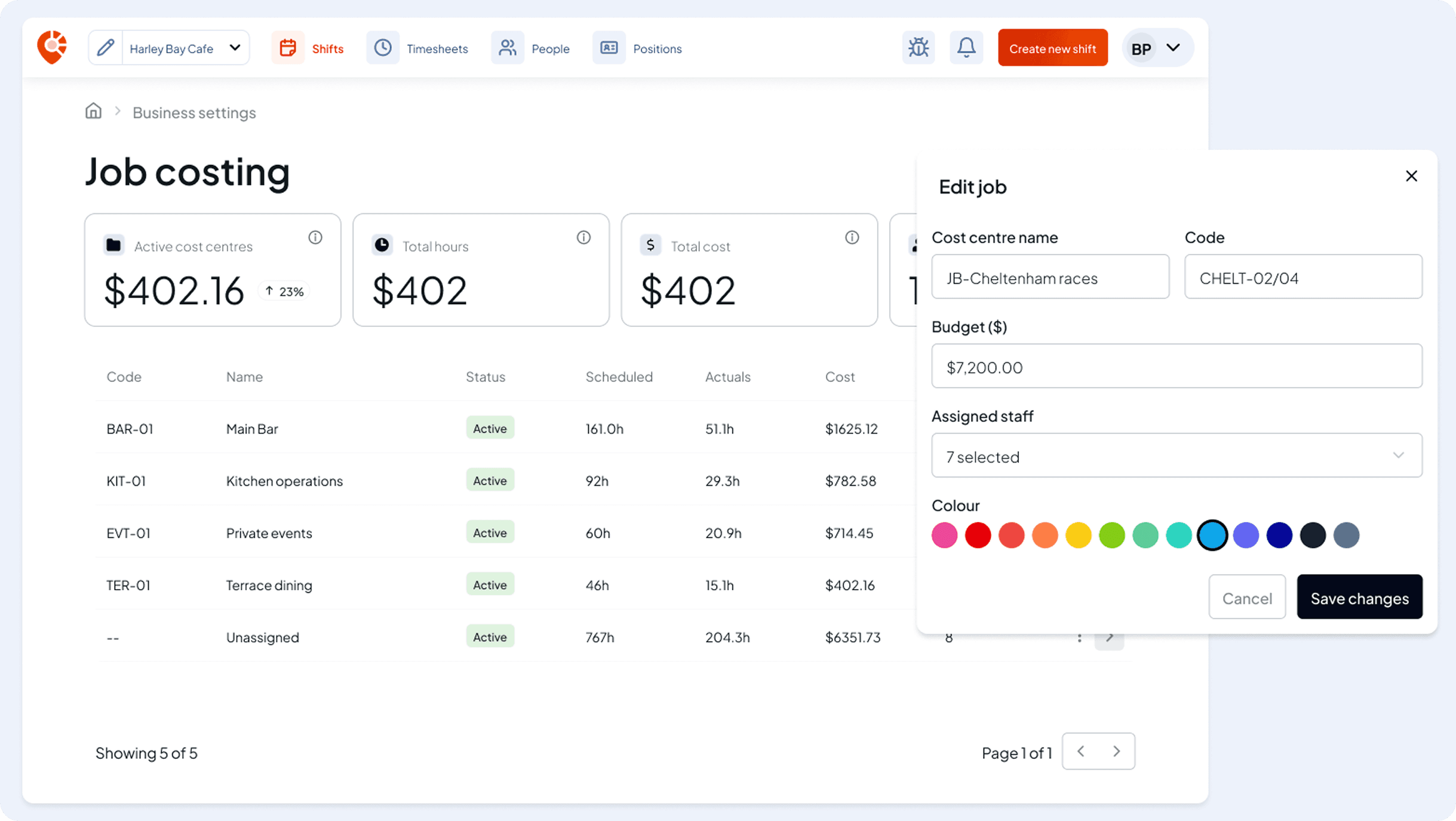
A full picture of each area or job
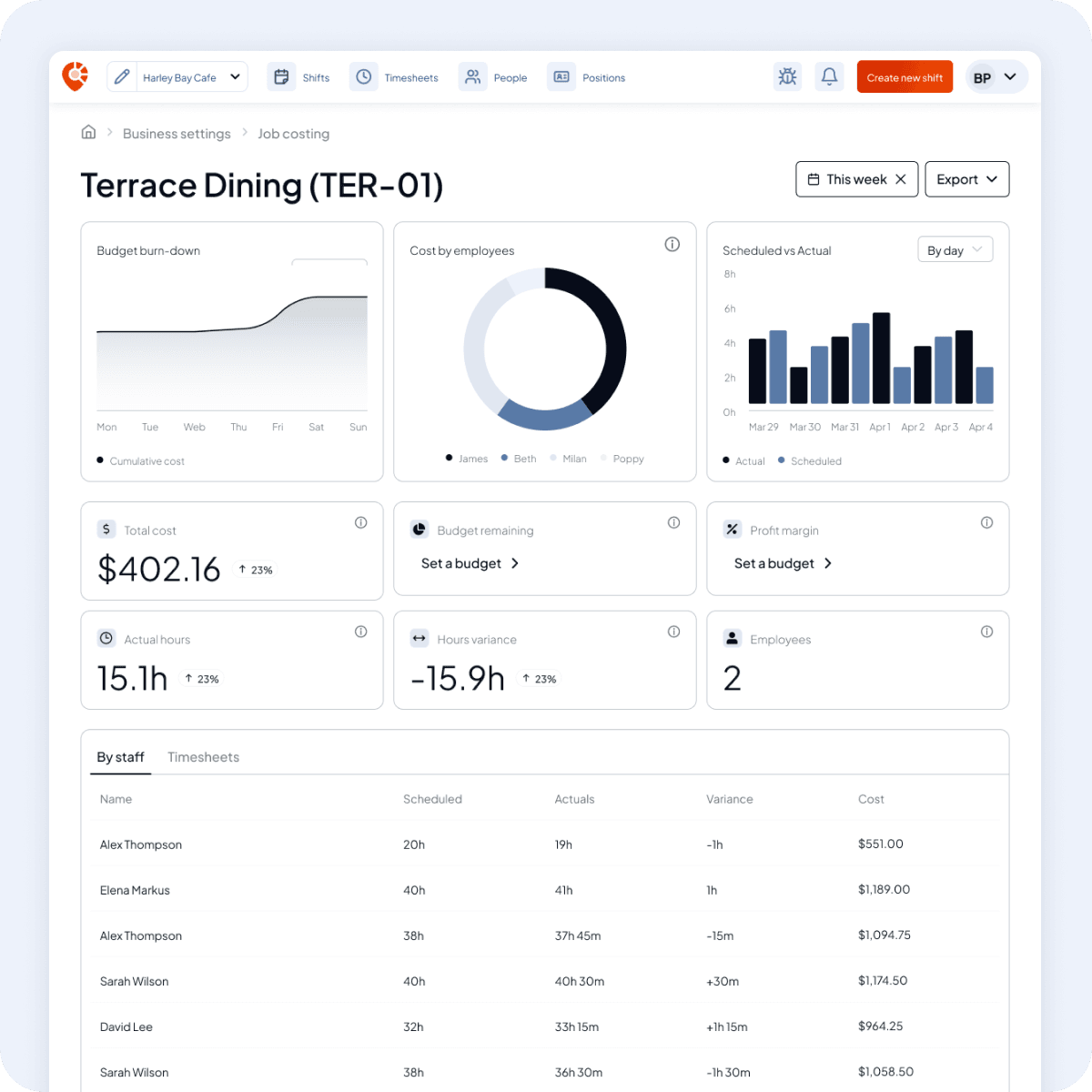
View a live reporting dashboard
Every tag gets its own dashboard with real-time stats, including total labour cost, actual hours vs scheduled, budget remaining, and a full breakdown by worker and by week.
- Total cost, hours variance, and worker count per tag
- Weekly scheduled vs actual hours chart
- Cost-by-worker breakdown
- Export reports to CSV or PDF in one click
Know where every dollar goes
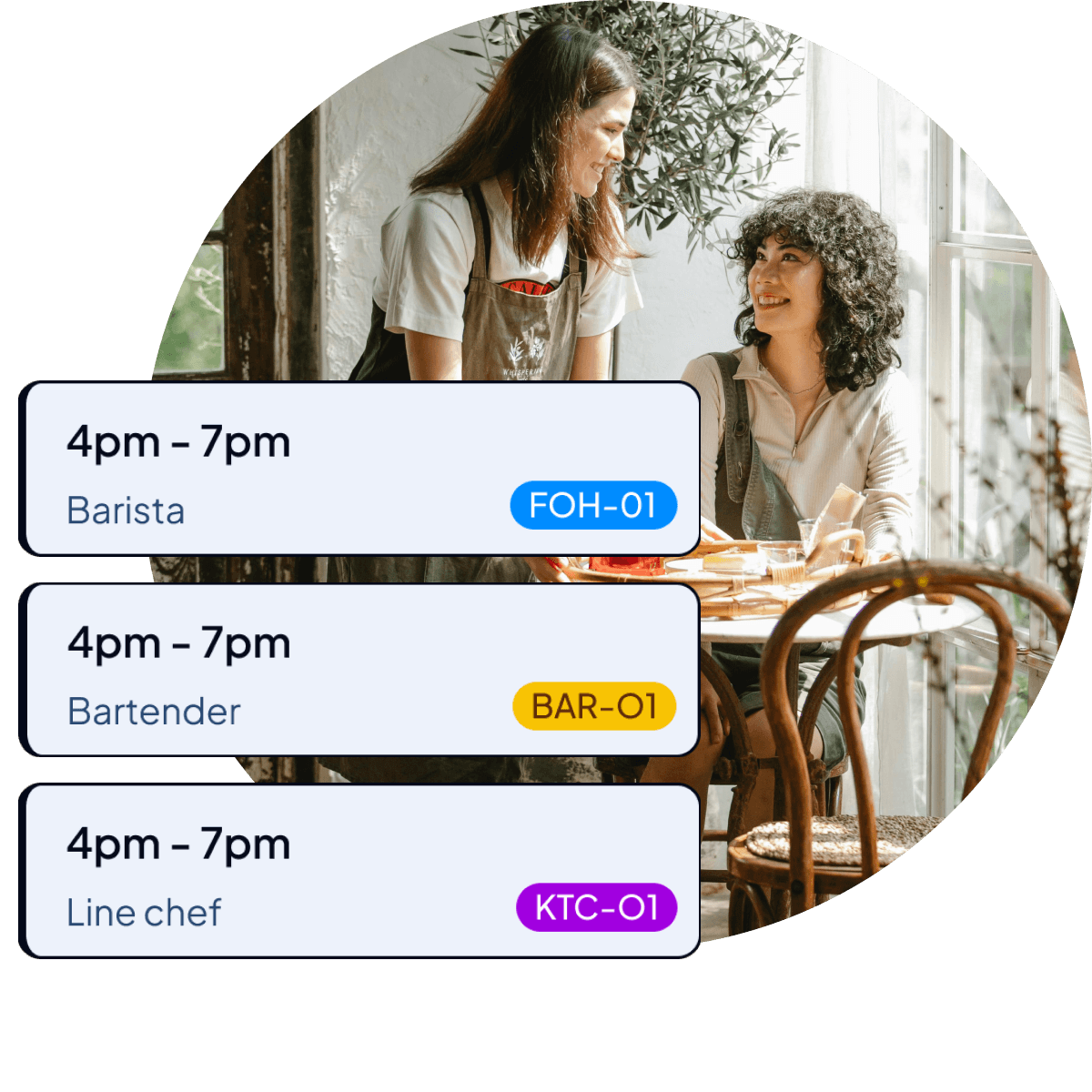
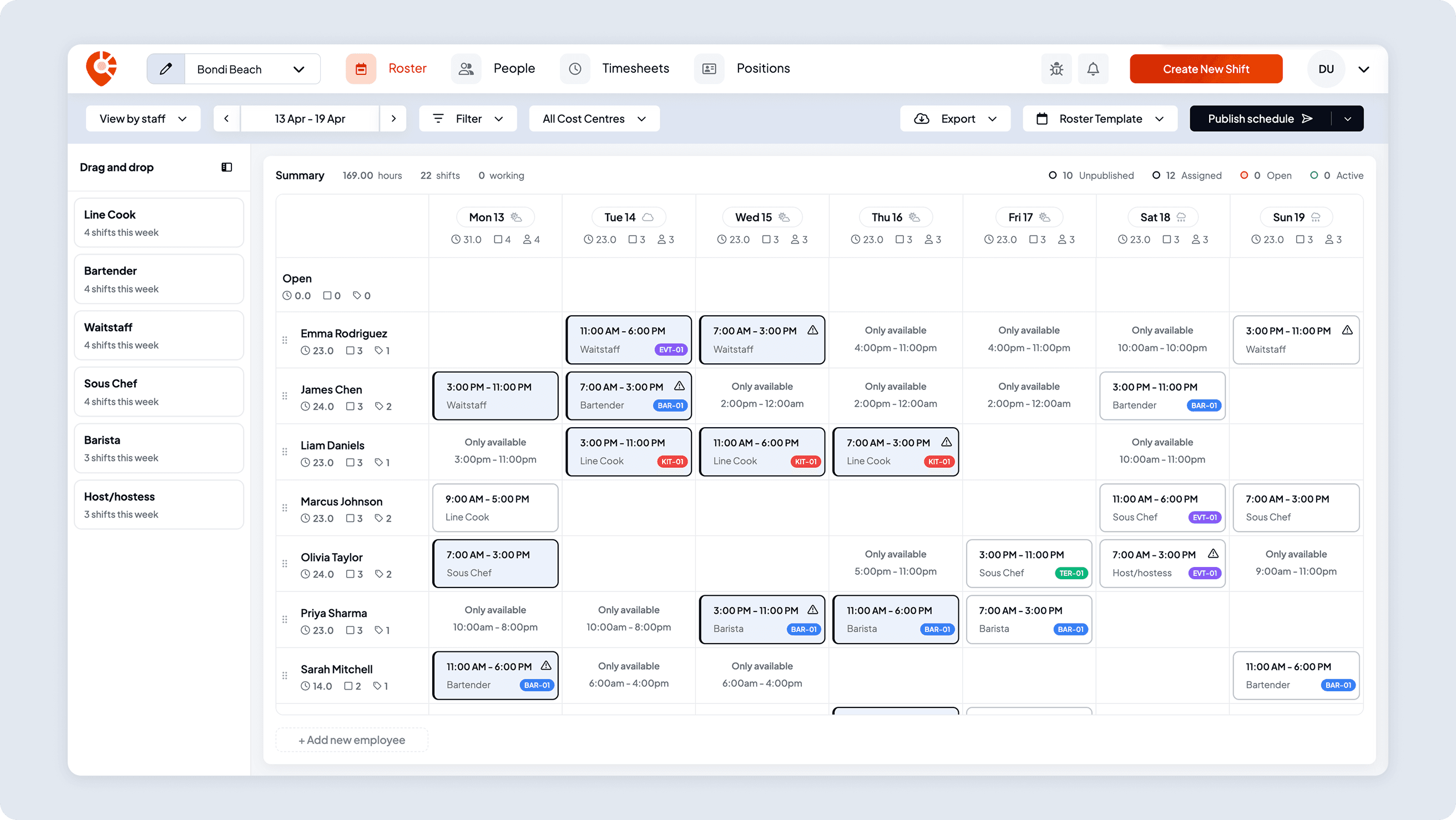
Tag shifts as you build your roster
Whether you're running a catering function, managing a client site, or tracking costs across multiple events, Shiftly lets you tag shifts directly as you build your roster. Your team sees what they're working on, and you see what it's costing you.
- Colour-coded tags with filtering built in
- Give positions default tags, so new shifts are tagged for you
- Group tags into categories you name, like Department or Area
Flows straight into your payroll
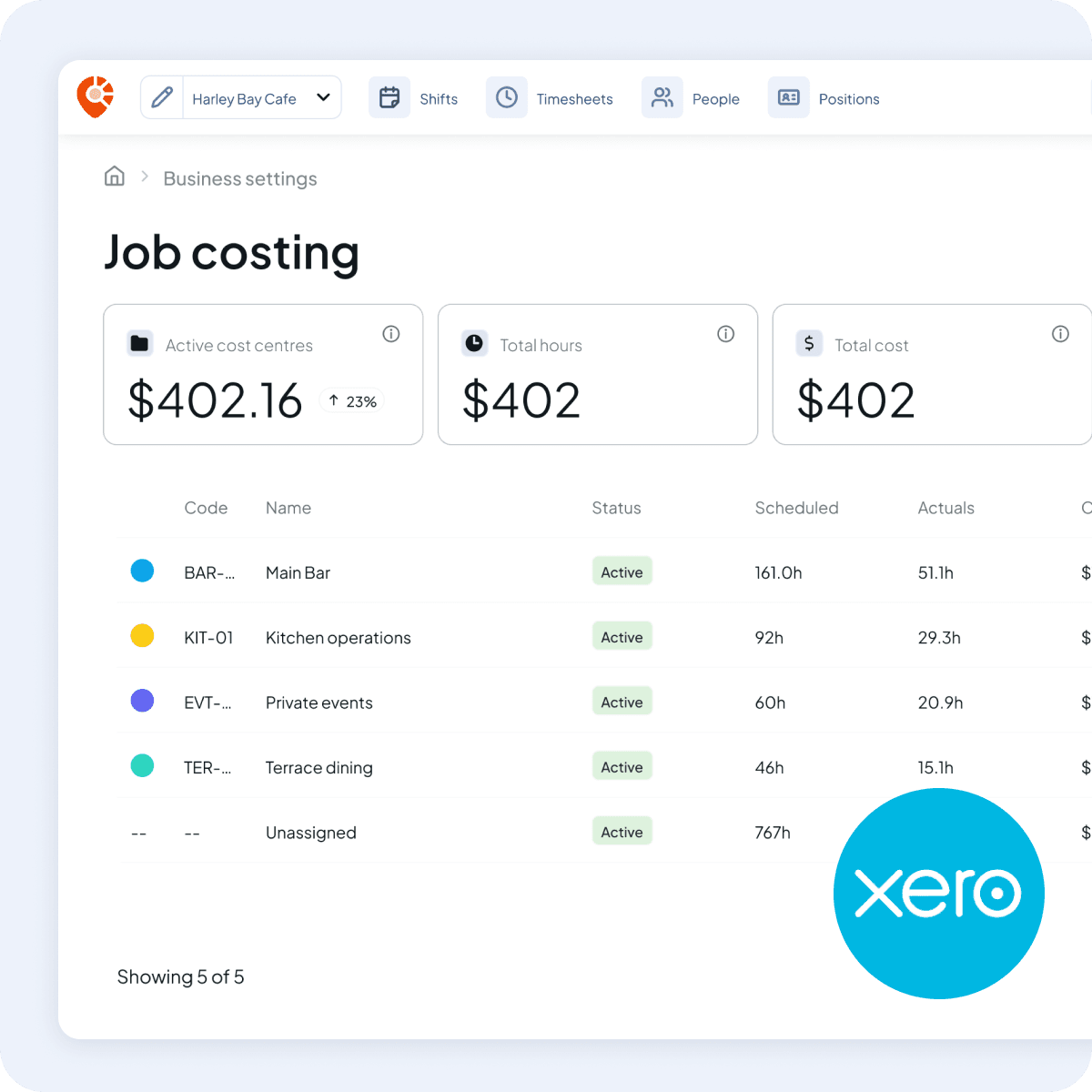
Pair tags with Xero tracking categories
Pair your tags with Xero tracking categories and every timesheet line Shiftly posts to Xero carries its tracking option, so your Xero reports split labour the same way Shiftly does. Your bookkeeper gets clean, categorised data without chasing you for a spreadsheet.
- Timesheets posted to Xero carry their tracking option
- Works alongside your existing Xero pay items and rates
Stay on top of job budgets
Set a budget and track spend as it happens
Set a labour budget for each tag and watch your spend track against it in real time. The budget burn-down chart shows you exactly where you stand, so you can adjust staffing before costs blow out, not after.
 Bookkeeper support
Keeping bookkeepers in mind
We make it easy for bookkeepers to access and manage your client accounts, run payroll, or simply access the data they need, without chasing you during your busy schedule.
- Log in securely with their own access
- Export ready-to-run payroll files instantly
Connect with UsJoin us and start tracking jobs today
Create your account in minutes, connect to Xero, and start tagging shifts instantly.
 Features
Explore more of Shiftly

Award-based timesheets
Pay is worked out from each employee's award, approved hours are captured, and everything syncs to Xero ready for your pay run.
Read More
Employee rostering
Easily plan shifts, publish rosters, sync timesheets and export in seconds, with no spreadsheets and no stress. Stay in control and keep payroll running smoothly with Shiftly.
Read More
Award interpretation
Wages, penalties, allowances and overtime worked out for every shift, using award rates loaded from Fair Work Commission data, to support your payroll.
Read MoreLet us show you around
We'll walk you through how Shiftly works and help you see if we're the right fit for you.

Questions, answered
Job costing lets you tag shifts by area, client or event, then track labour cost, hours and worker count for each tag. You group your tags into categories you name, like Department or Area, and see live reporting on where your wage spend is going.